1
Device ready
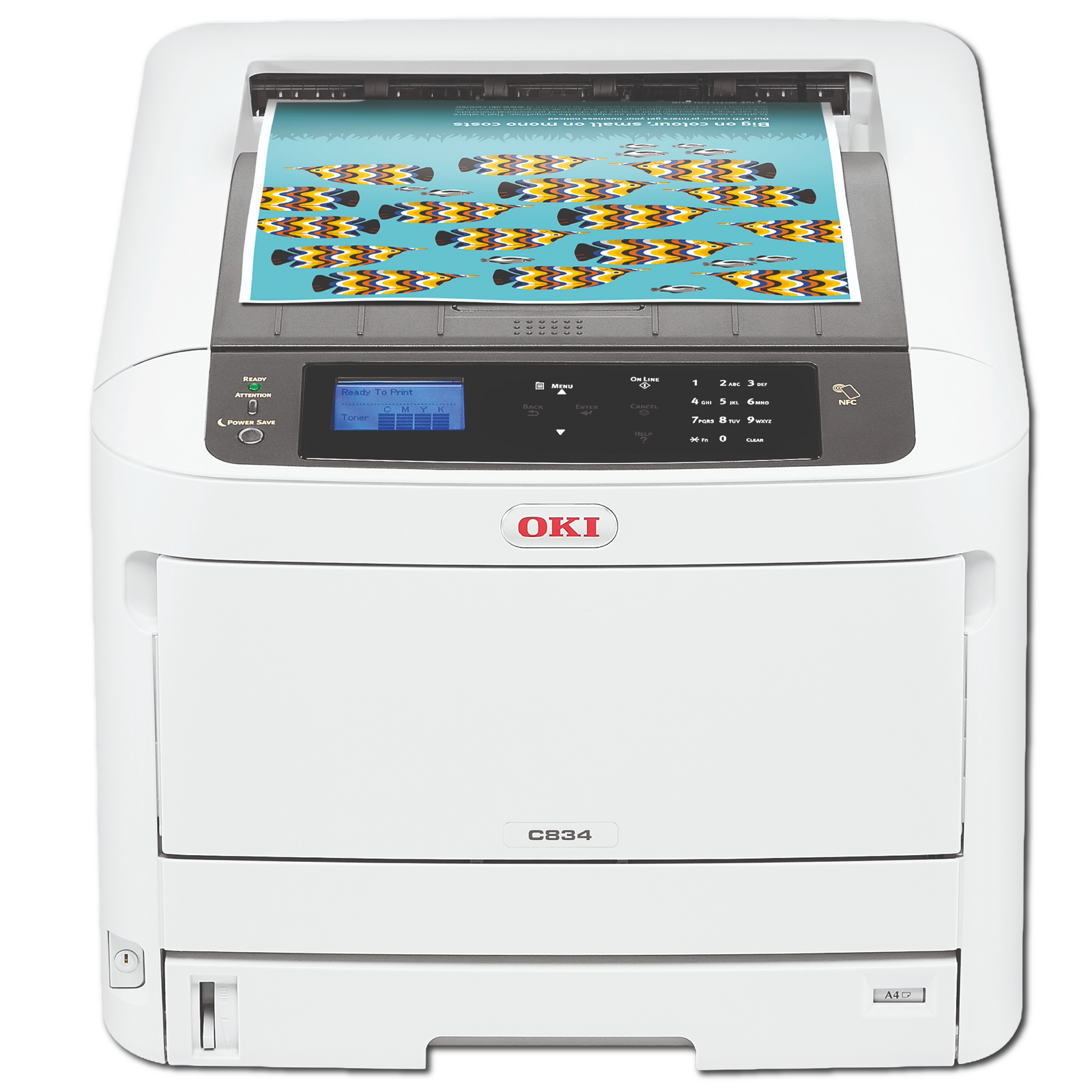
Your OKI should be unpacked, positioned and connected to suitable power before the technician arrives.


Enter the model shown on your device to see its matching device listing, genuine supplies, accessories and onsite warranty options together.
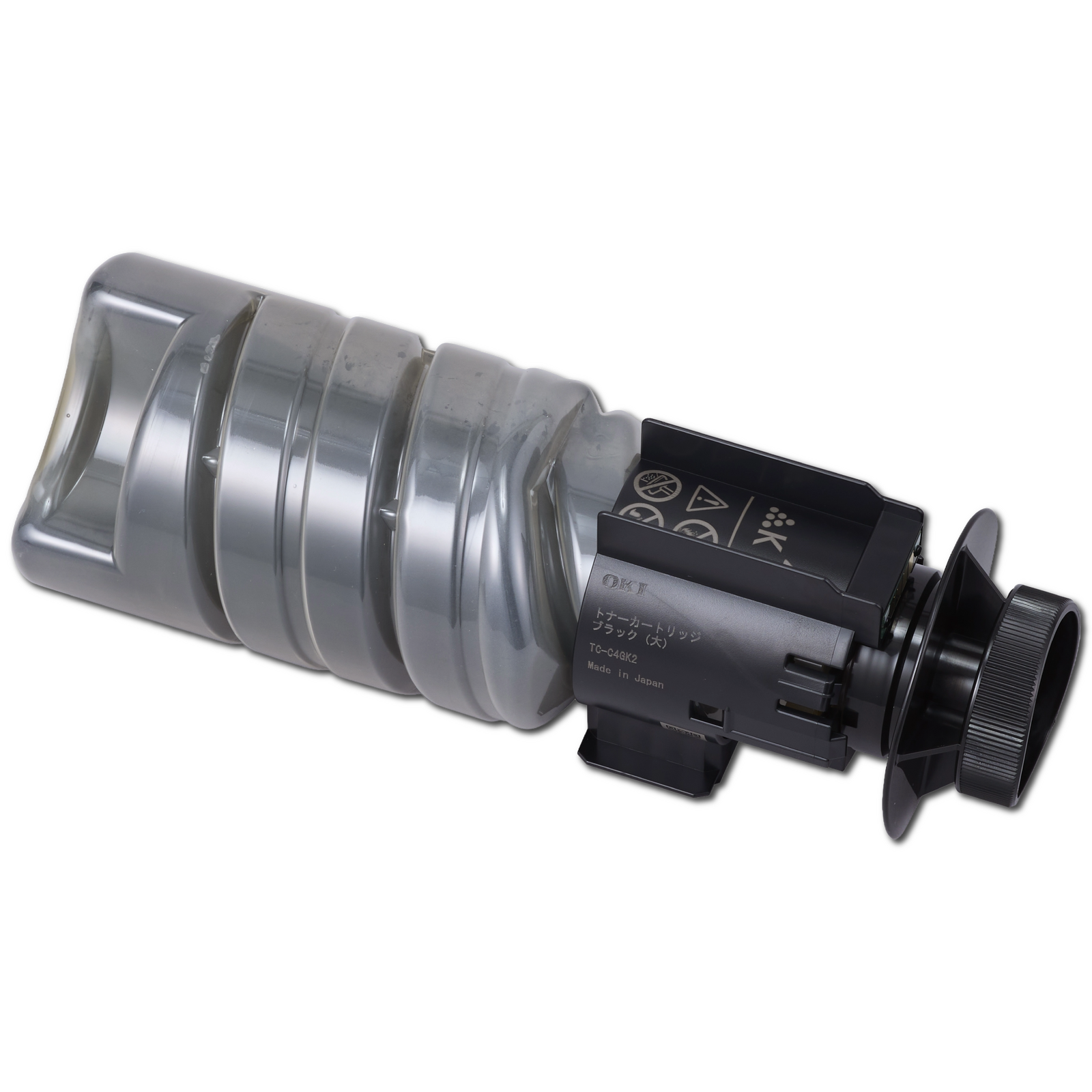
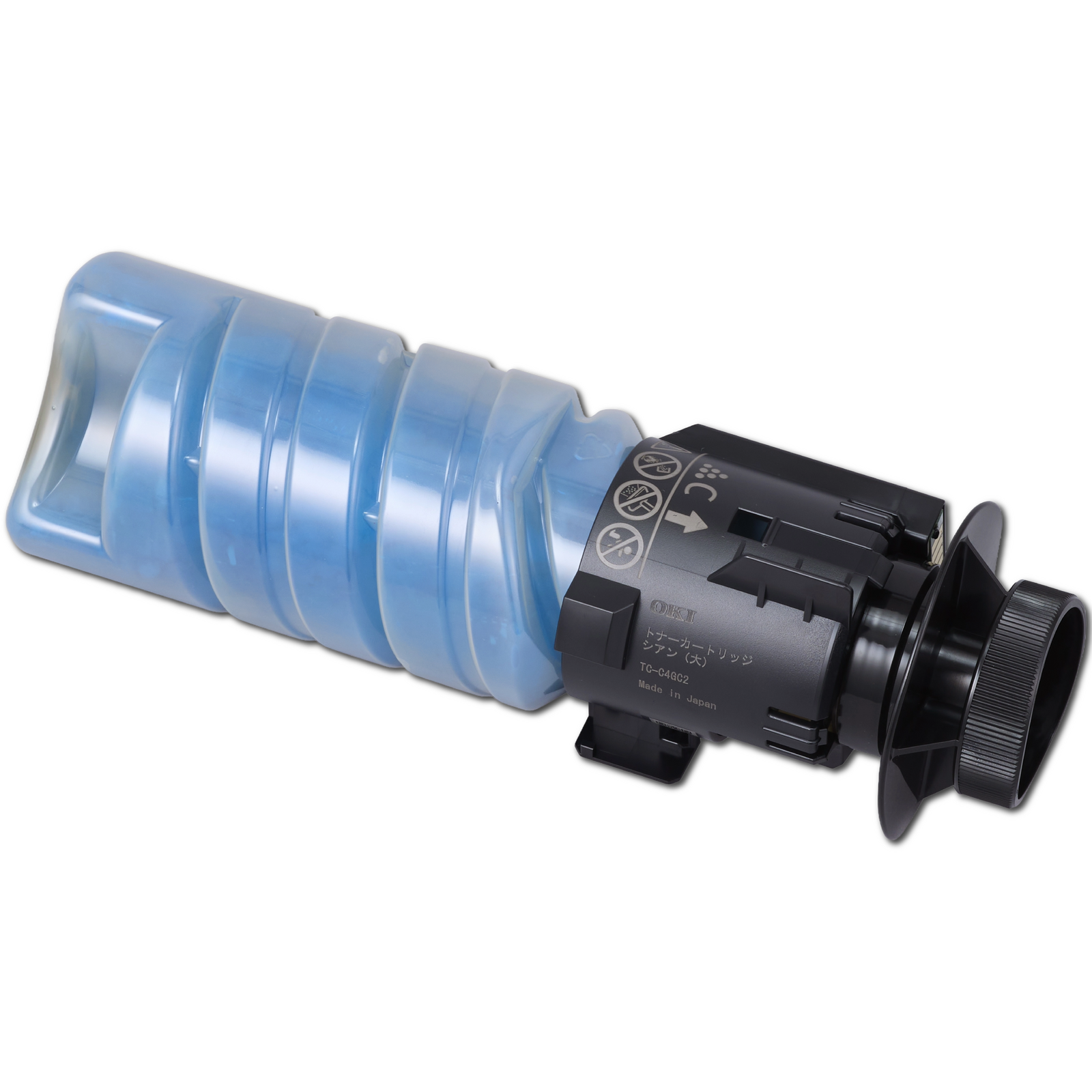
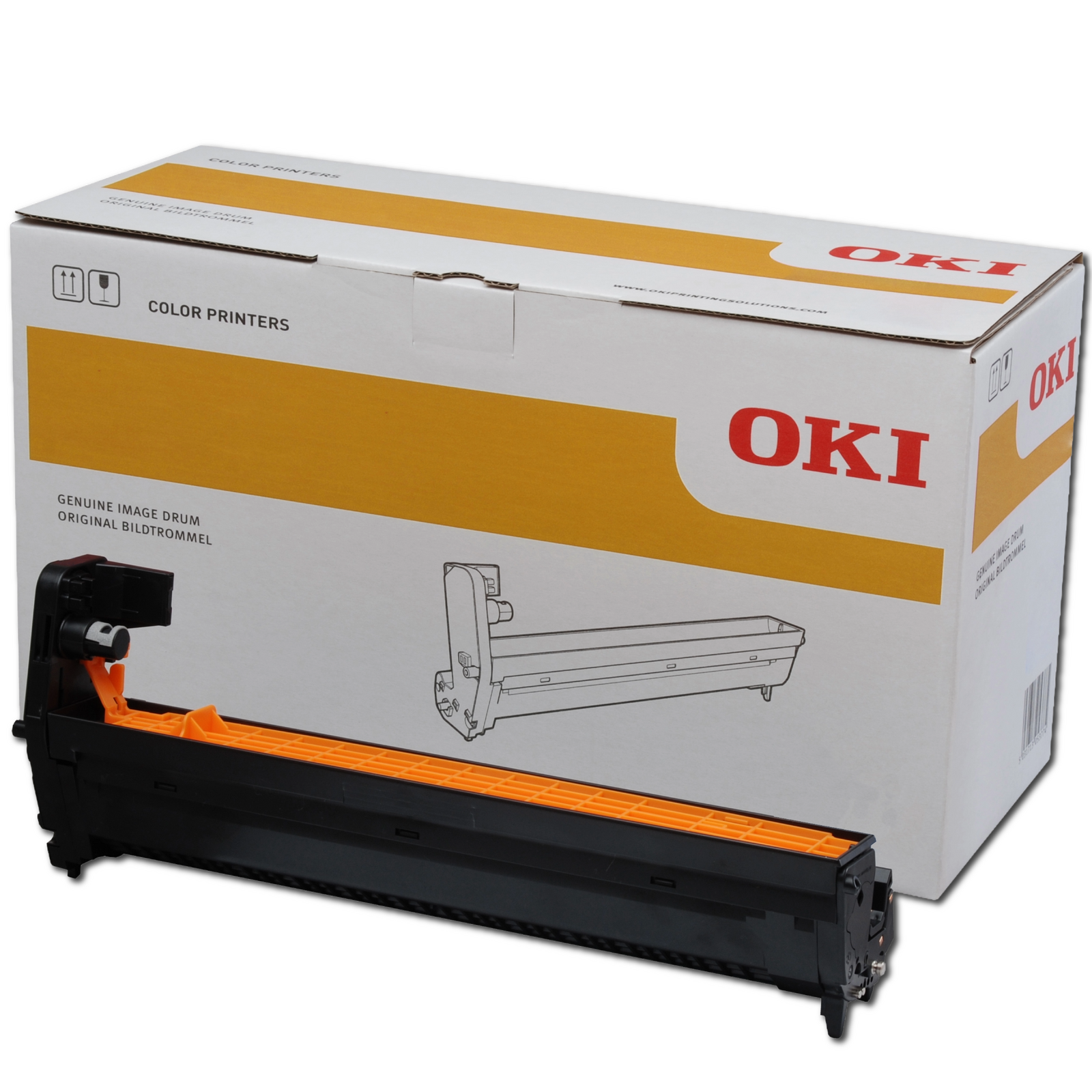
Choose your OKI and we’ll bring together the genuine toner, Image Drums and essential supplies made for it.
Choose the type of OKI you use, then select your model.
Every genuine supply shown below is made for your selected OKI.
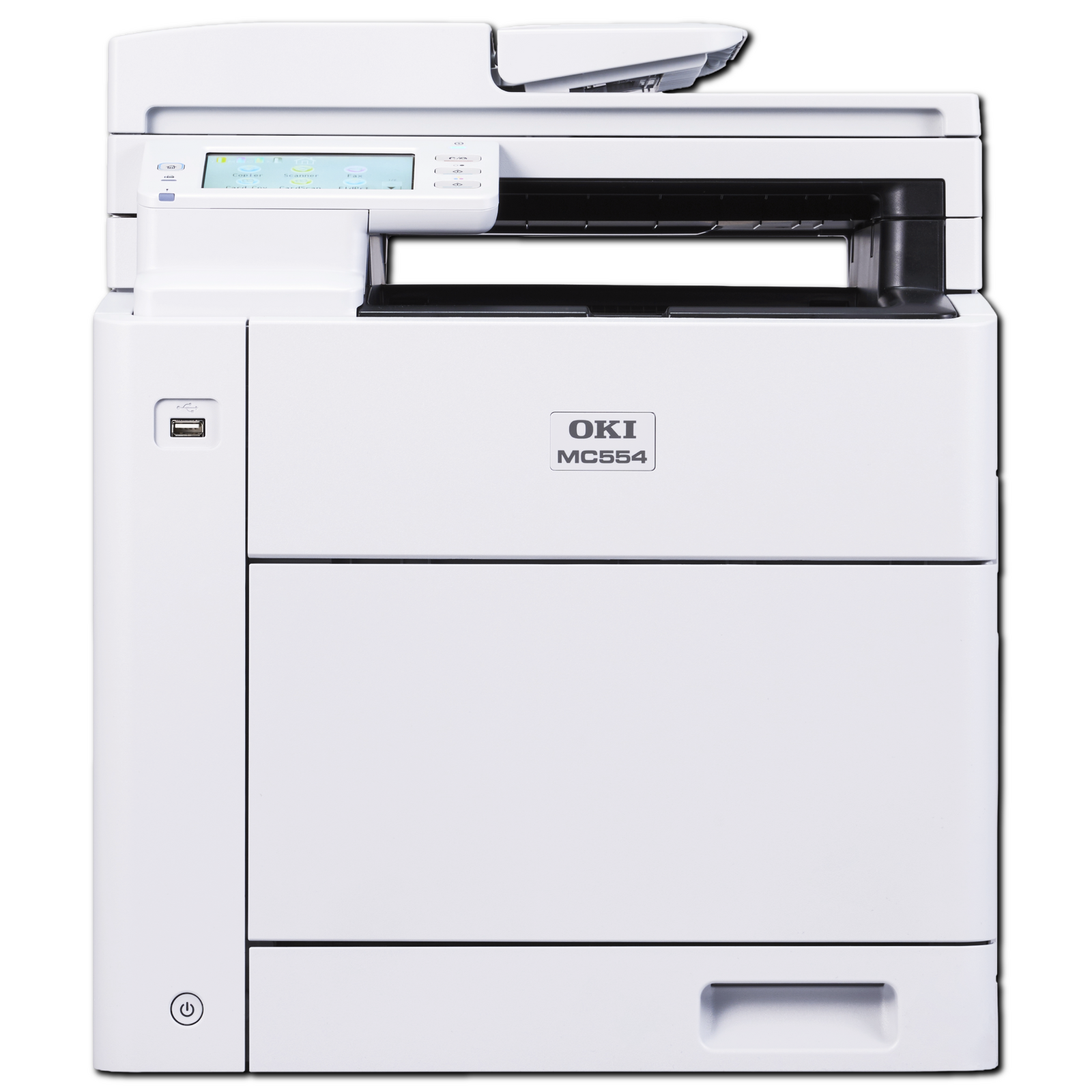
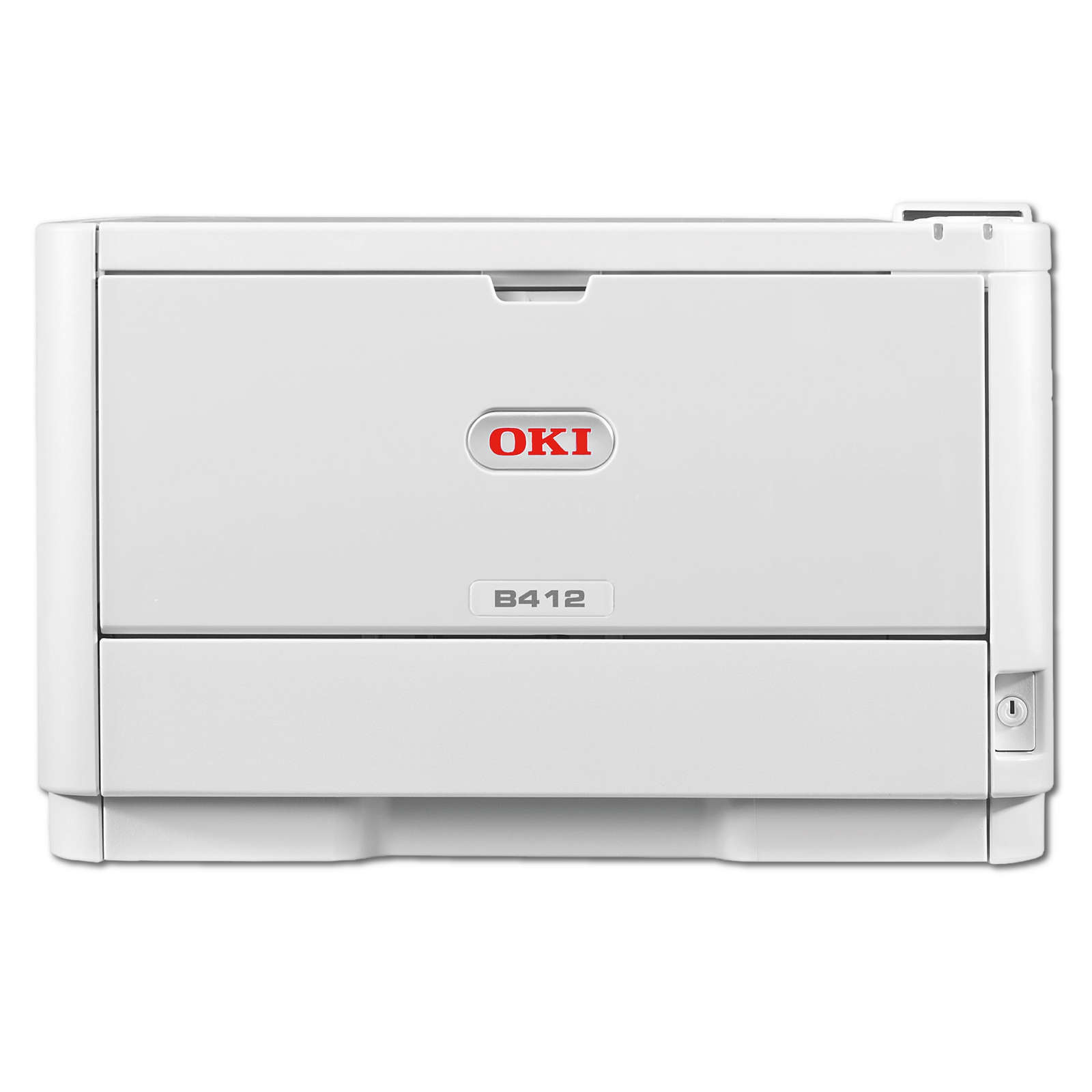
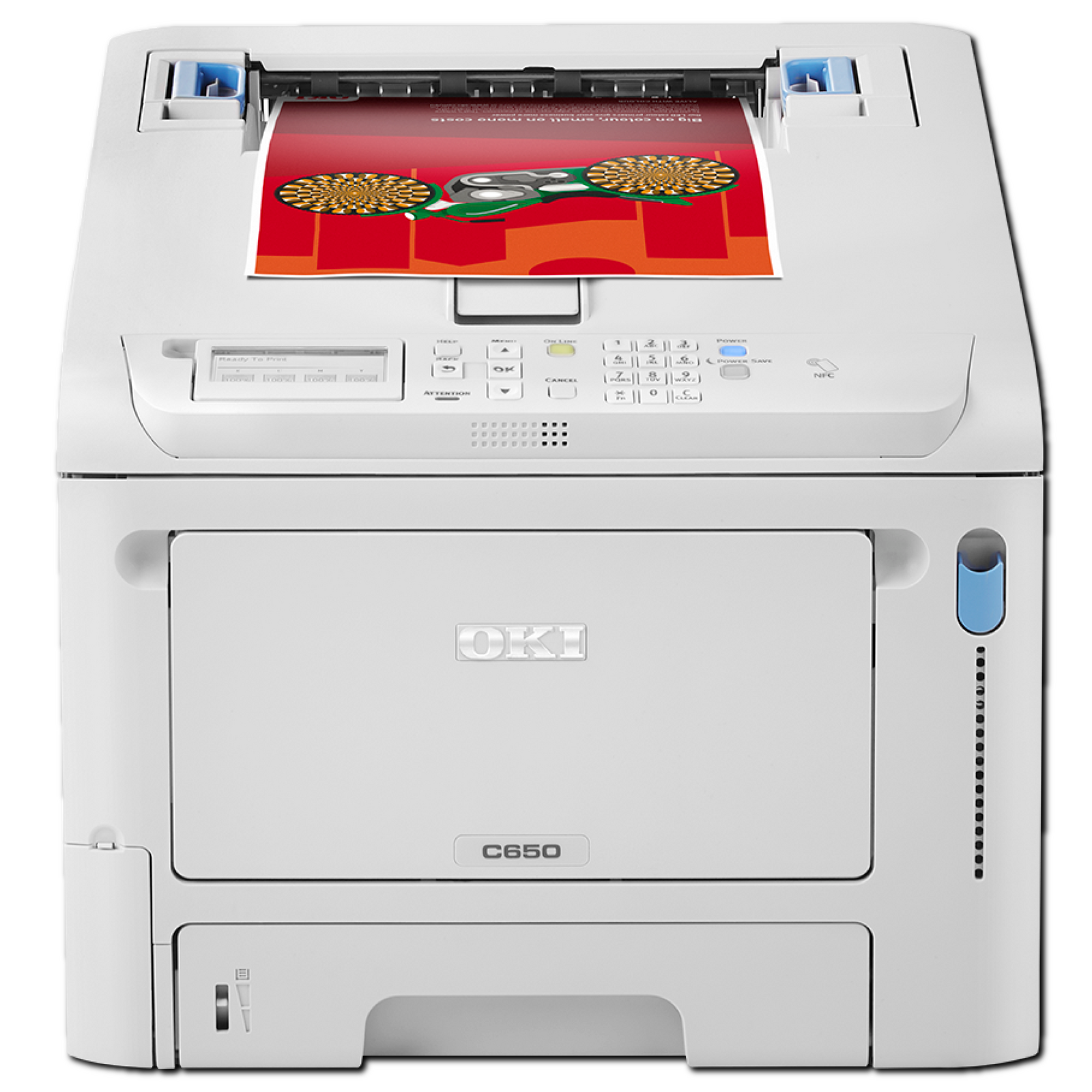
Explore reliable Mono and Colour devices built for everything from everyday office printing to busy production teams.
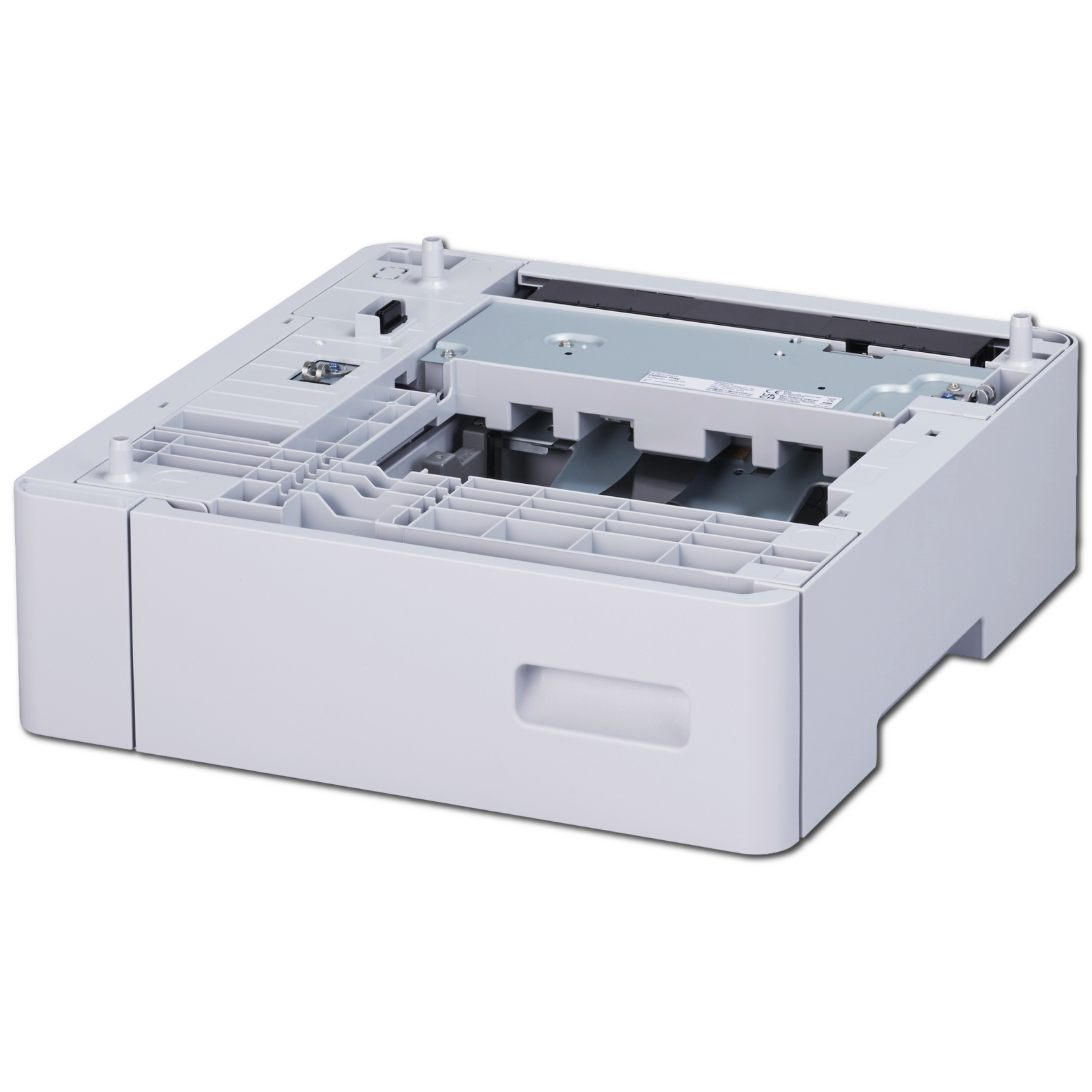
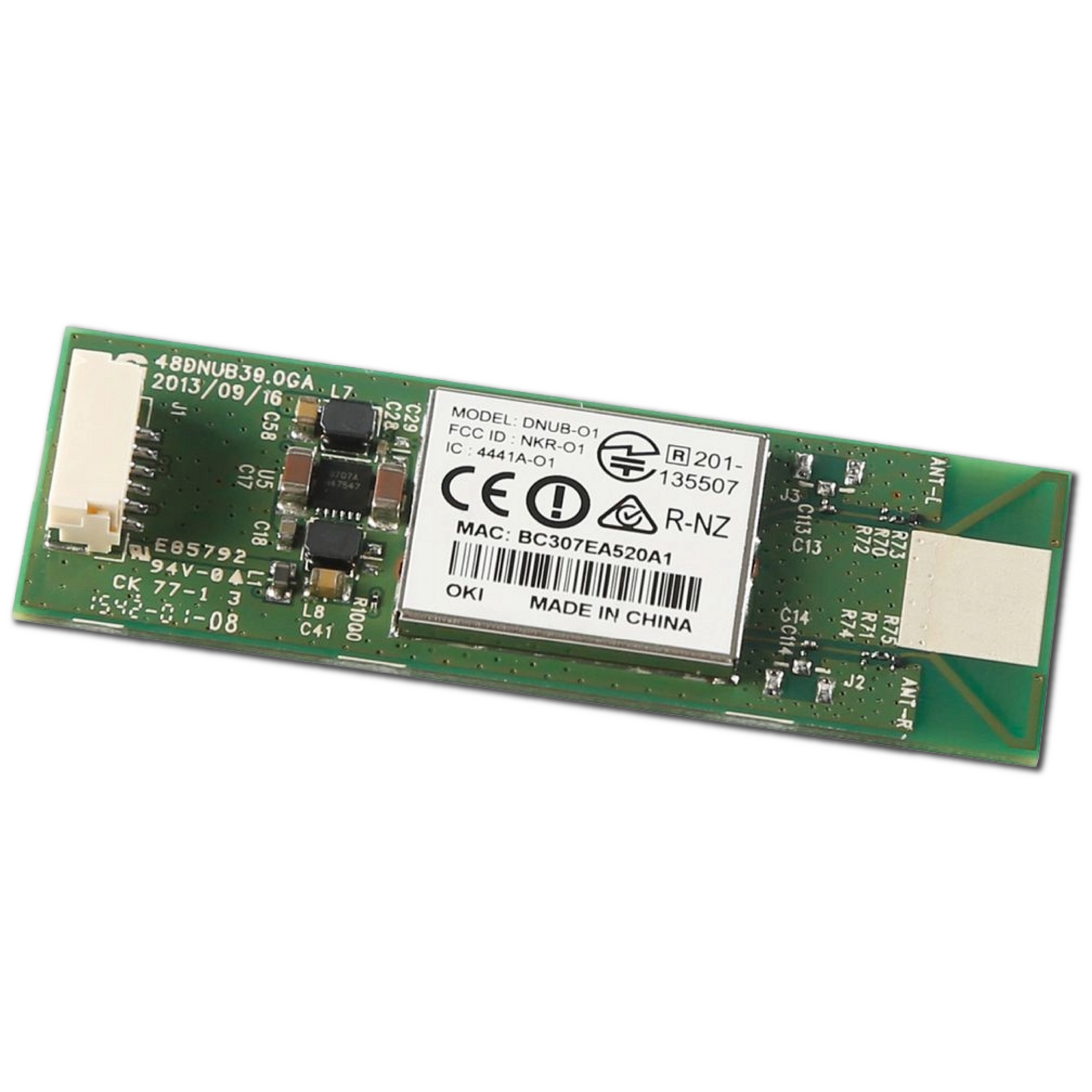
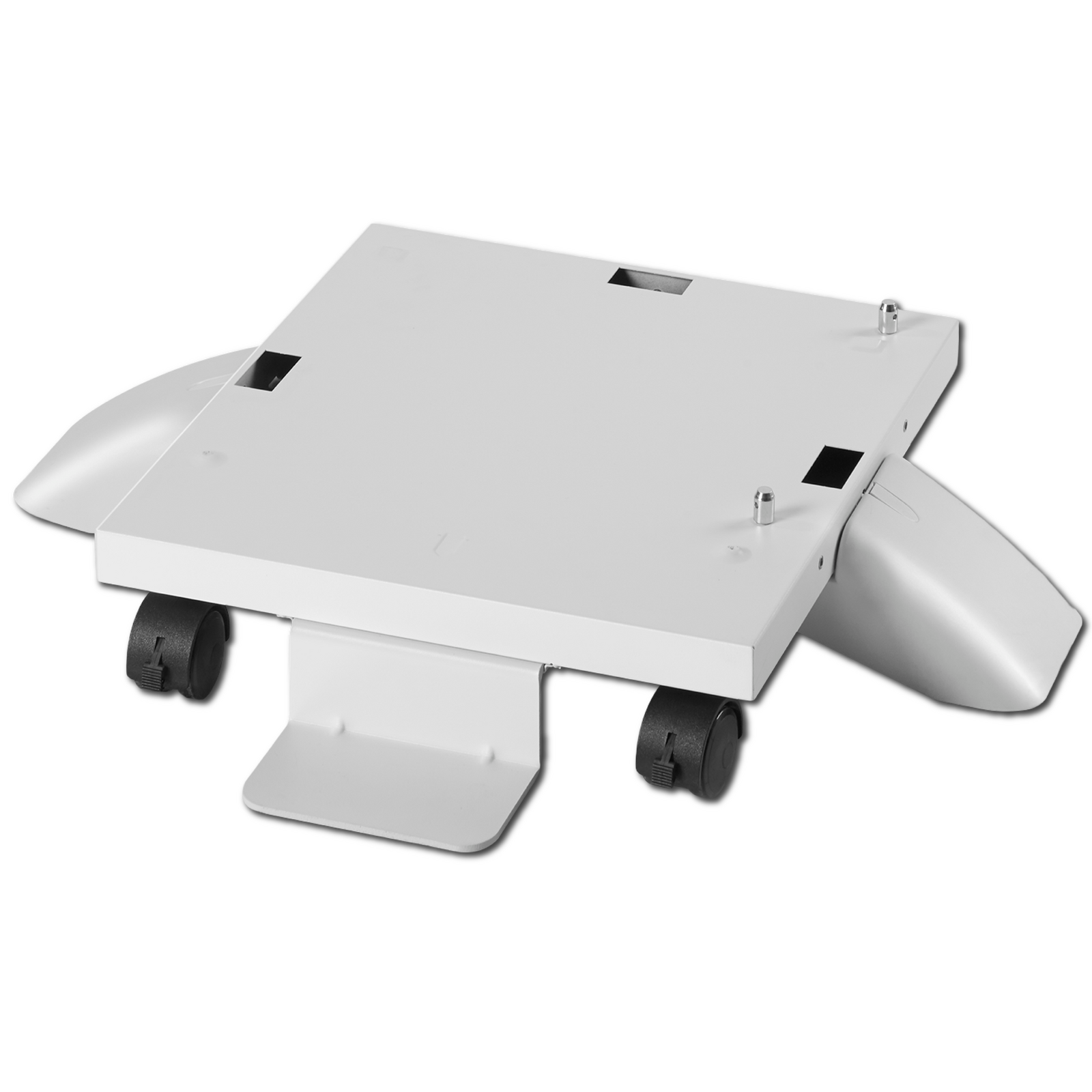
Choose your OKI and we’ll show the trays, wireless modules, rollers and finishing options made to fit.
Choose the type of OKI you use, then select your model.
Every accessory shown below is made to fit your selected OKI.
Choose your OKI to compare the onsite warranty options available for your new device.
Compare the onsite cover available for your exact model.
Select your device model above.
Choose the service that suits your new OKI and we’ll help get your workplace ready to print.
Professional setup, connection, test prints and a helpful handover.
Have these three things ready so your technician can get your OKI connected and printing smoothly.
Your OKI should be unpacked, positioned and connected to suitable power before the technician arrives.
Have your Wi-Fi or network details and administrator access available during the appointment.
Your technician completes test prints and provides a helpful basic handover before leaving.